

Buying Bitcoin with Electrum: A Step-by-Step Guide


Electrum can be used as a software Wallet or in combination with your hardware wallet device. This guide explains the setup using Electrum as a software wallet. Learn more: electrum.org
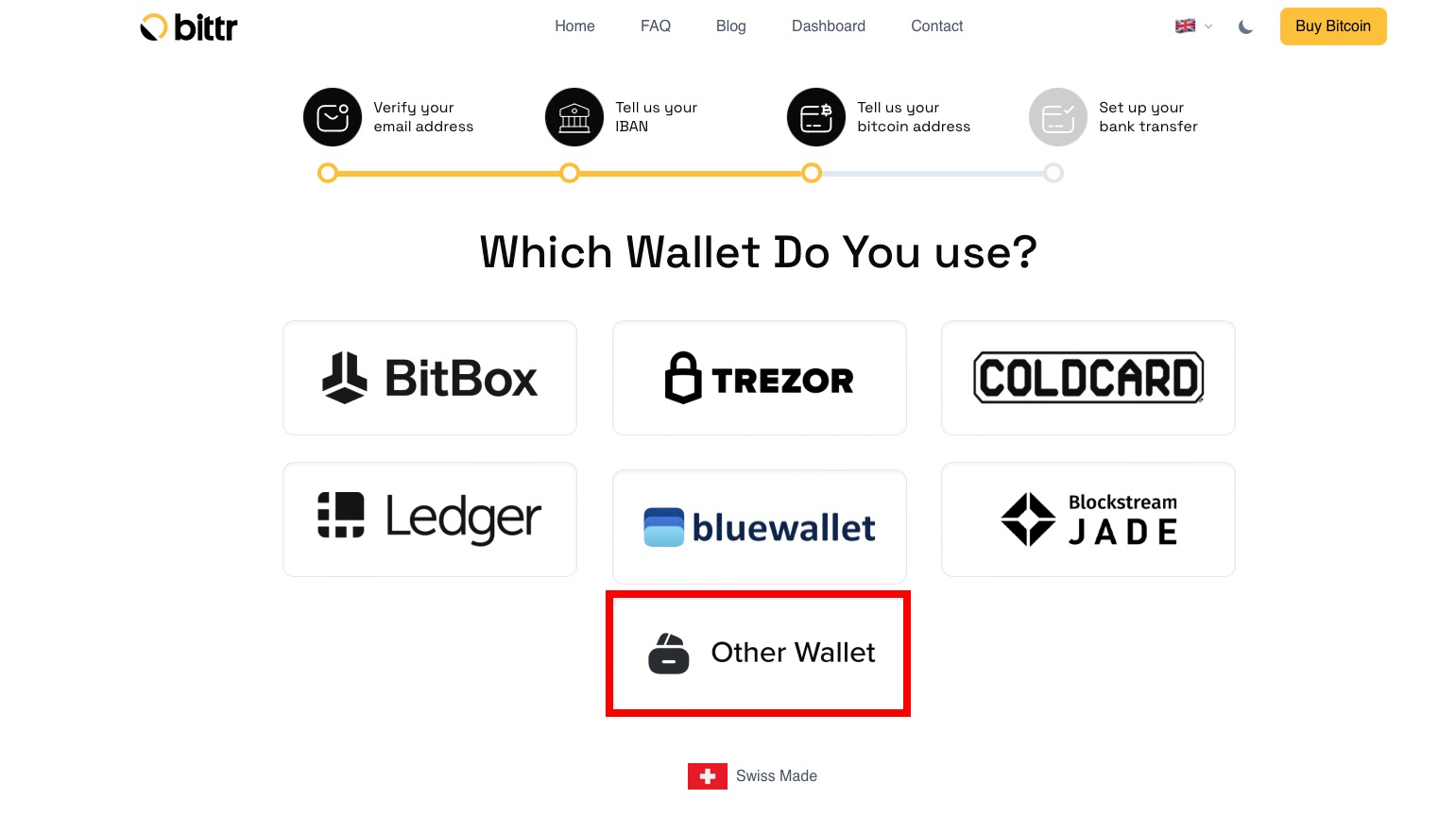
To get started, visit Buy Bitcoin and follow the steps until you get to the wallet selection page.
1) Select “Other Wallet”
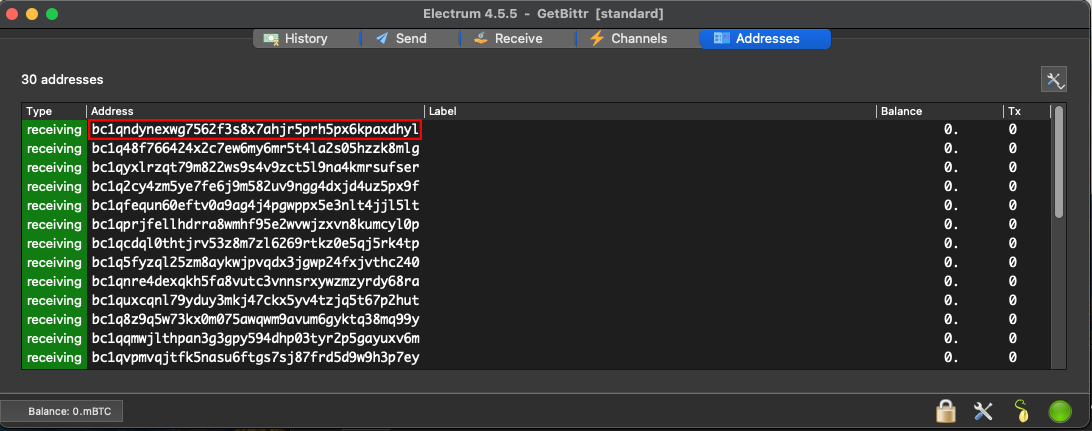
2) Open Electrum, go to "Addresses" and copy the first unused address
If "Addresses" doesn’t show in the menu bar, click "View" in the top bar and click "Addresses" to enable this screen.
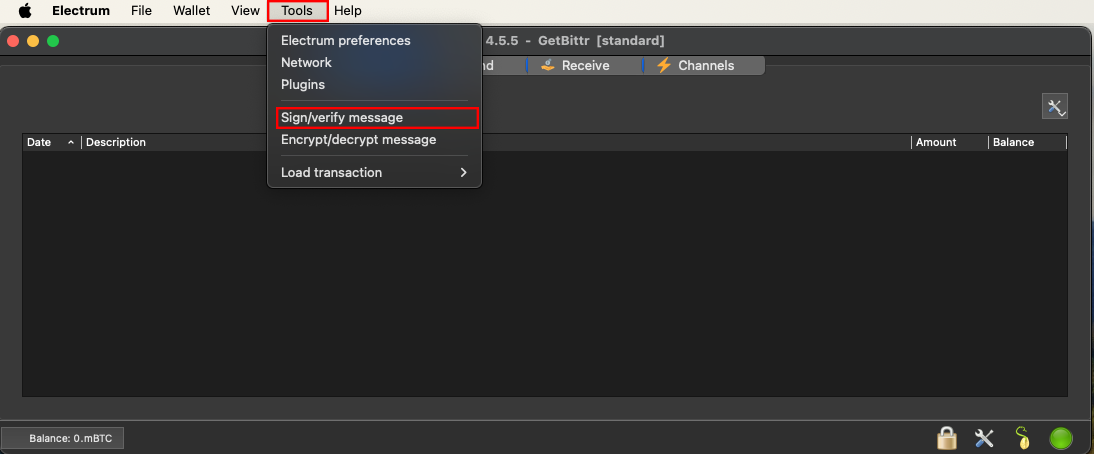
3) Go to “Tools” and click “Sign/verify message”
4) Paste your Electrum address (Copied in Step 2)
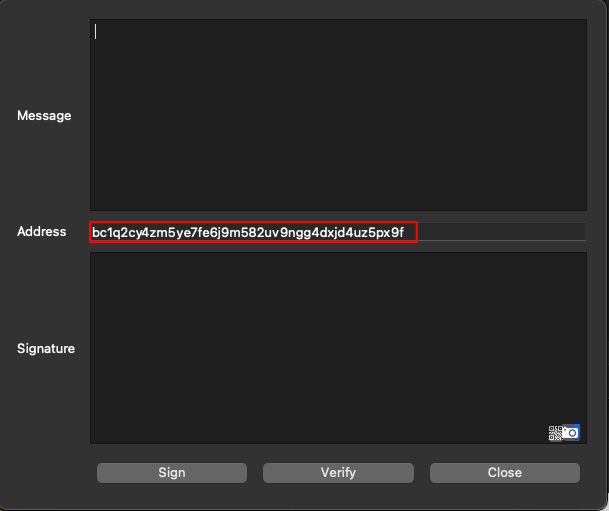
5) Copy the message from Bittr
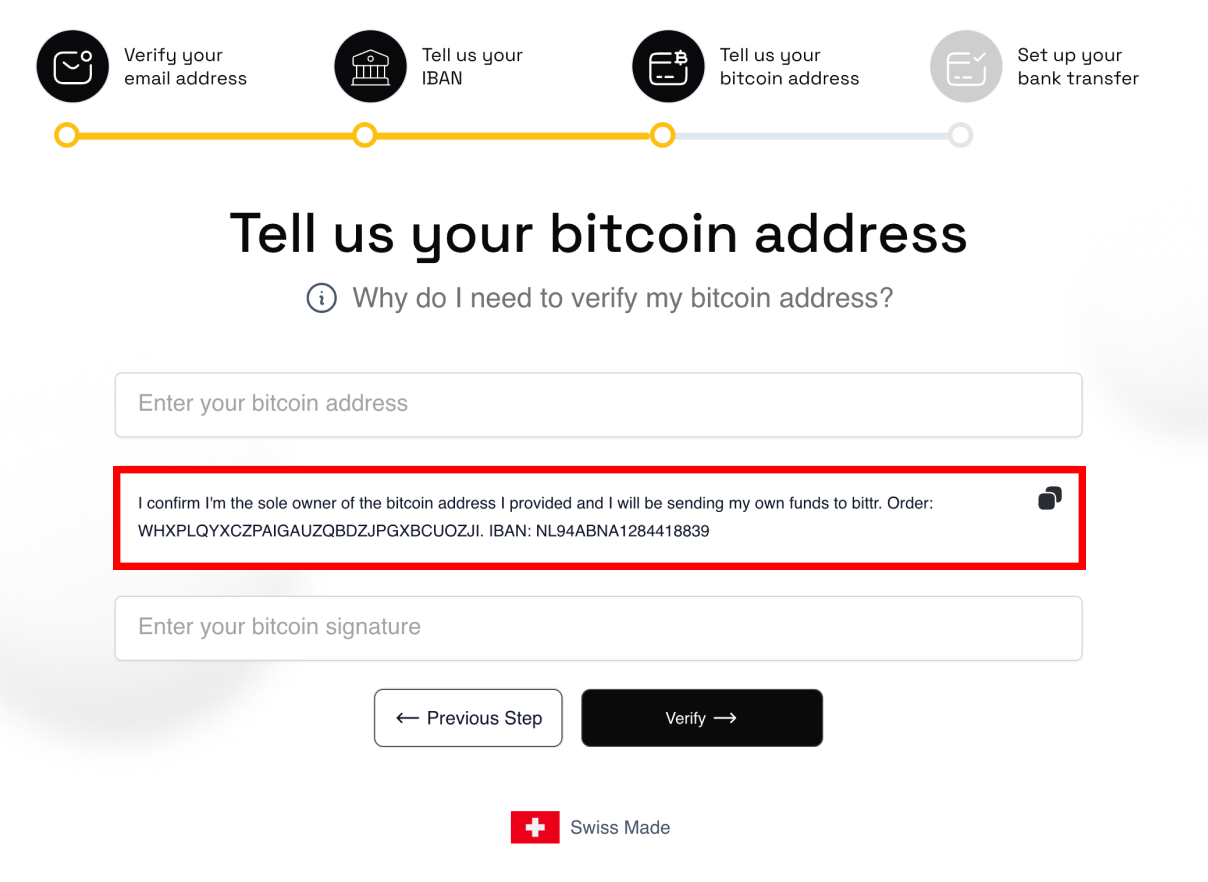
6) Paste the message in Electrum and click “Sign”
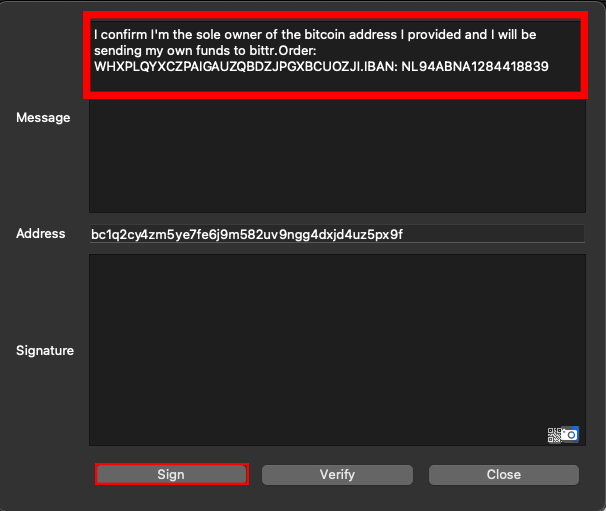
7) Copy your Signature
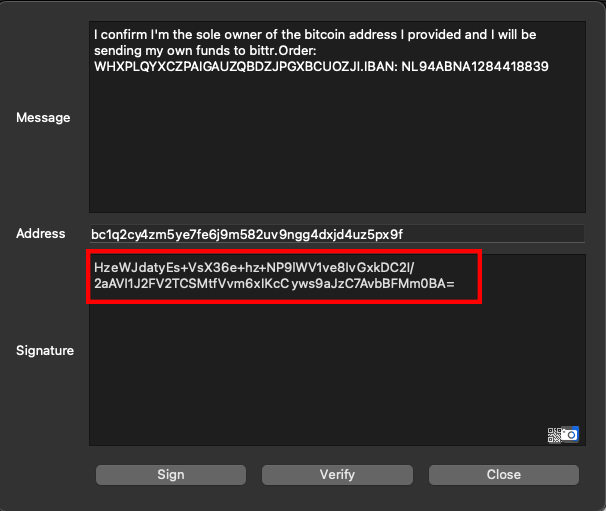
8) Paste Signature and Bitcoin Address on the Bittr Website and click "Verify"
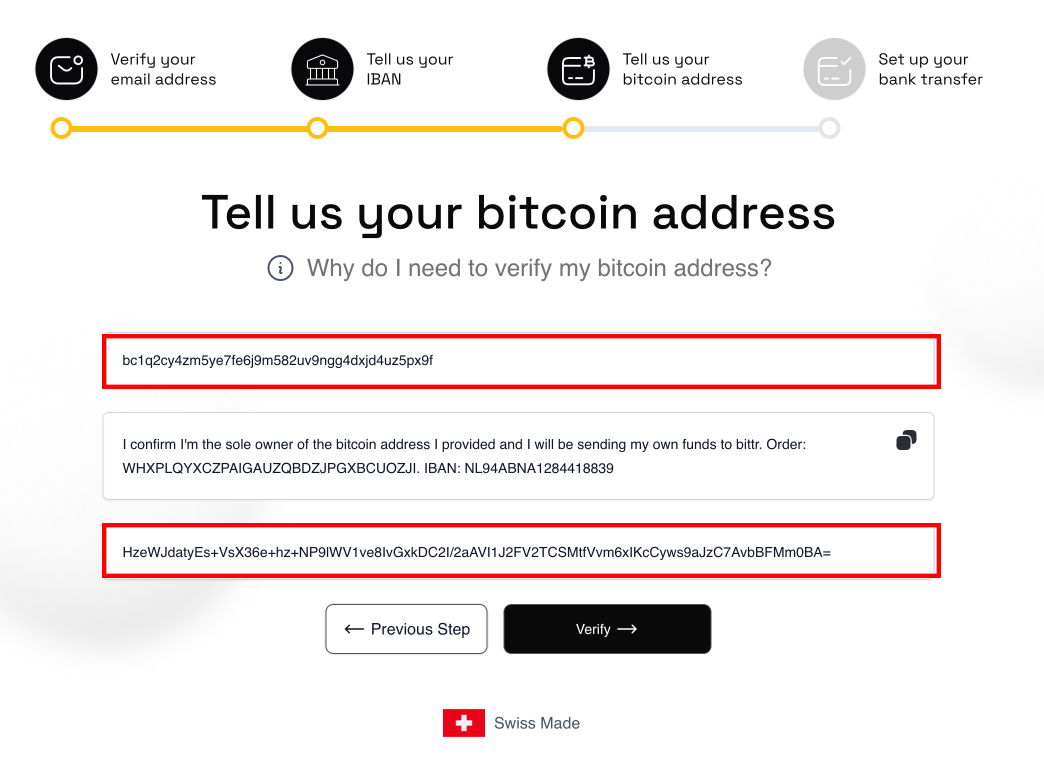
Wohoo, that’s it already.🤩 After you signed the message you automatically continue directly on the website, where you get the details for your bank transfer.
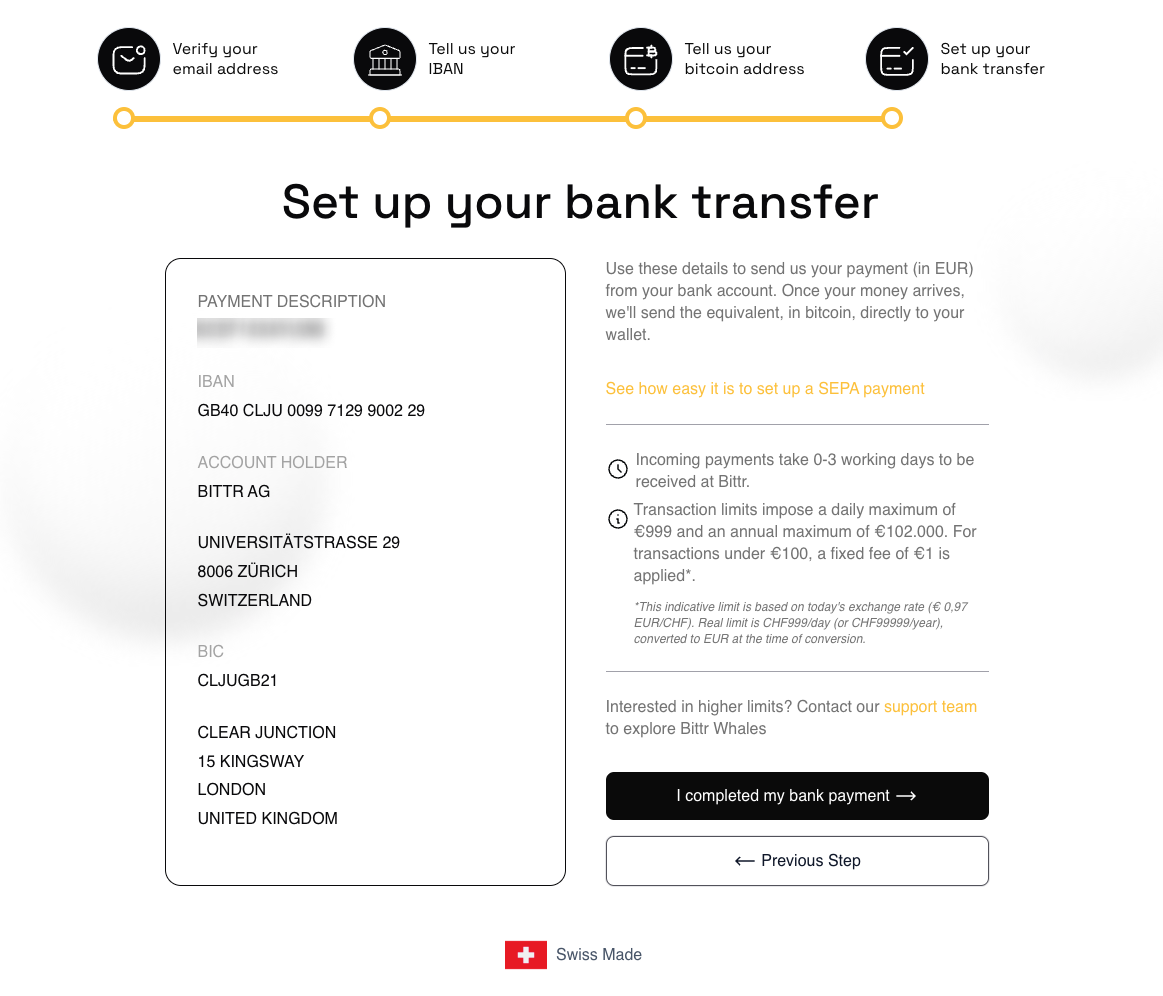
As soon as money arrives into our bank account, we will buy your Bitcoin, send the Bitcoin directly to your Electrum Wallet and email you the transaction details (including the exchange rate at the time of conversion) 🎉.
Anything that didn't work? We're always here to help you! 🧡 Send us a message support@getbittr.com